
Bring your own content
- Use the provider and playlists you choose
- Live TV, movies and series in one player
- Manage your playlists without a member account
Add your M3U link or Xtream Codes details. Connect your TV, phone or tablet to your own playlists.
Only a media player. We do not supply or sell channels, films, series, playlists or IPTV subscriptions.
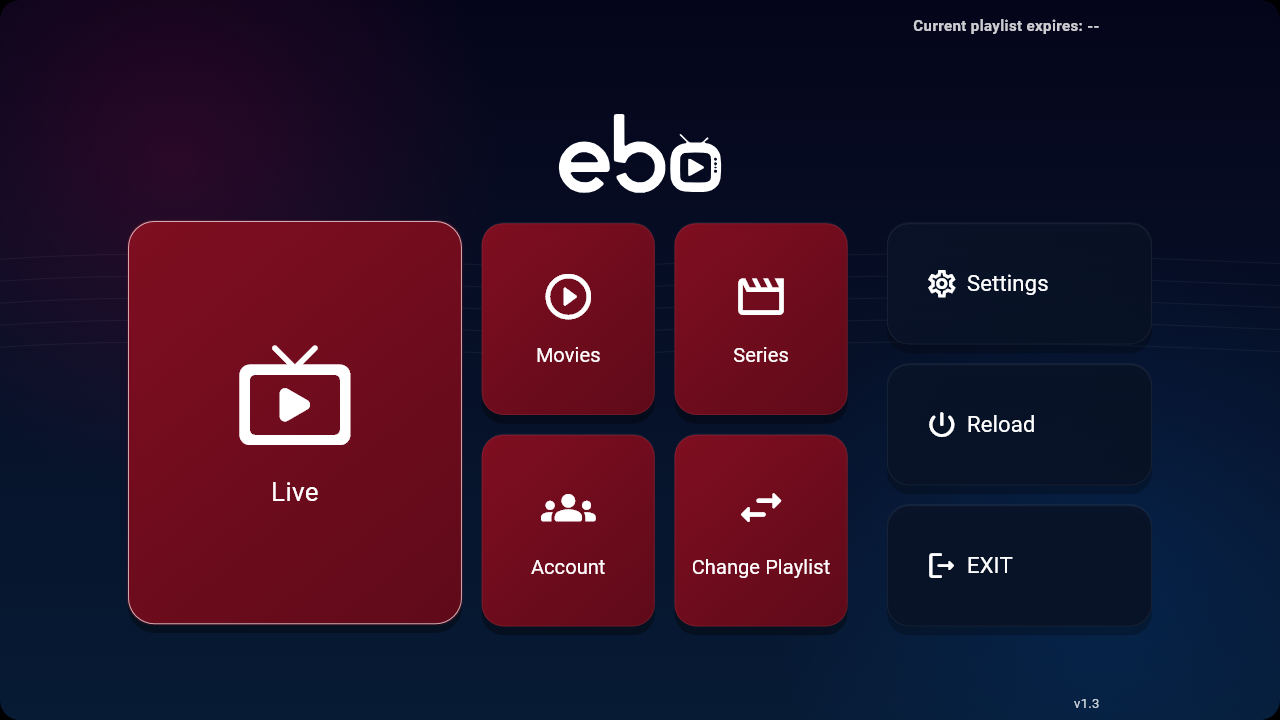
Download ebo Player on your Android TV, TV box, phone or tablet.
Your MAC ADDRESS and DEVICE KEY appear on the welcome screen of the app.
Connect your device here, save your M3U or Xtream Codes details, then confirm in the app.
No. ebo Player is a media player. You add your own playlists or provider account. We do not supply channels, content or IPTV subscriptions.
Open Set up and enter the MAC ADDRESS and DEVICE KEY from your app. Save your M3U URL or Xtream Codes details, then confirm on the device.